Export
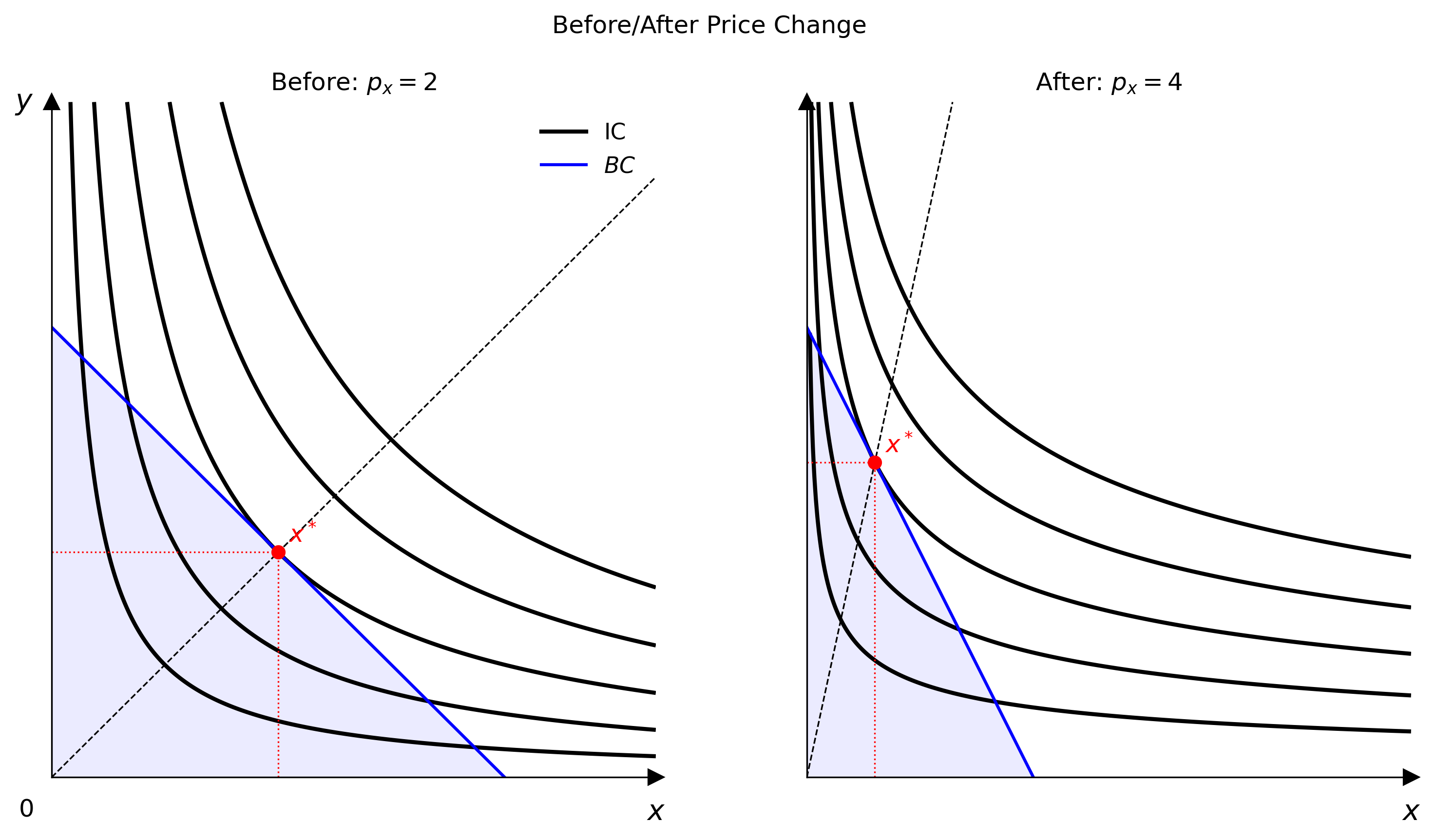
Raster formats
Call cvs.save() with a .png, .pdf, or .svg extension:
cvs.save("figure.png")   # PNG at the canvas DPI (default 300)
cvs.save("figure.pdf")   # PDF (vector, DPI ignored)
cvs.save("figure.svg")   # SVG (vector, DPI ignored)
The dpi parameter on Canvas controls raster resolution:
DPI is clamped to the range 1–1200.
Animated GIF export
For multi-frame output, use Animator instead of Canvas.save():
from econ_viz.animation import Animator

Animator(draw_frame, frames=frames).save("animation.gif", fps=12, dpi=120)
See the Animation page for parameter, price, income, and budget-only sweep examples.
Interactive window
Call cvs.show() to open a live matplotlib window instead of saving:
In the CLI, omit --output to get the same behaviour: